
 ≈ £126
Outfit finder: shop any outfit from a picture
Saw a look you like? Upload the photo or paste the post. Outfitlink picks out every piece, finds where to buy each one with delivery to your country, and puts the outfit together at your budget.
Free. Sign in to keep your scans; photos stay private to you.
How the outfit finder works
- Step 1
Upload the picture
A photo from your camera roll, a screenshot, or a link to an Instagram, Pinterest or TikTok post.
- Step 2
Every piece is picked out
Jacket, top, trousers, shoes, bag: each visible garment is marked and described by cut, colour and material.
- Step 3
Matches that deliver to you
Shops large and small are searched by image. Each match carries a likeness score and ships to your country.
- Step 4
Build it at your budget
A save, closest-match or elevated version of the whole look, then one URL with every piece linked.
What makes a match good
Likeness, not keywords. Each piece is compared to shop photos by shape, colour and detail, then checked side by side, so a navy wool overcoat does not come back as a navy rain jacket.
Your market. Results are limited to shops that deliver to your country and shown in your currency, so the total is one you can actually pay.
The whole look. Matches are chosen so the pieces still work together, and you can swap any single piece for an alternative before you save.
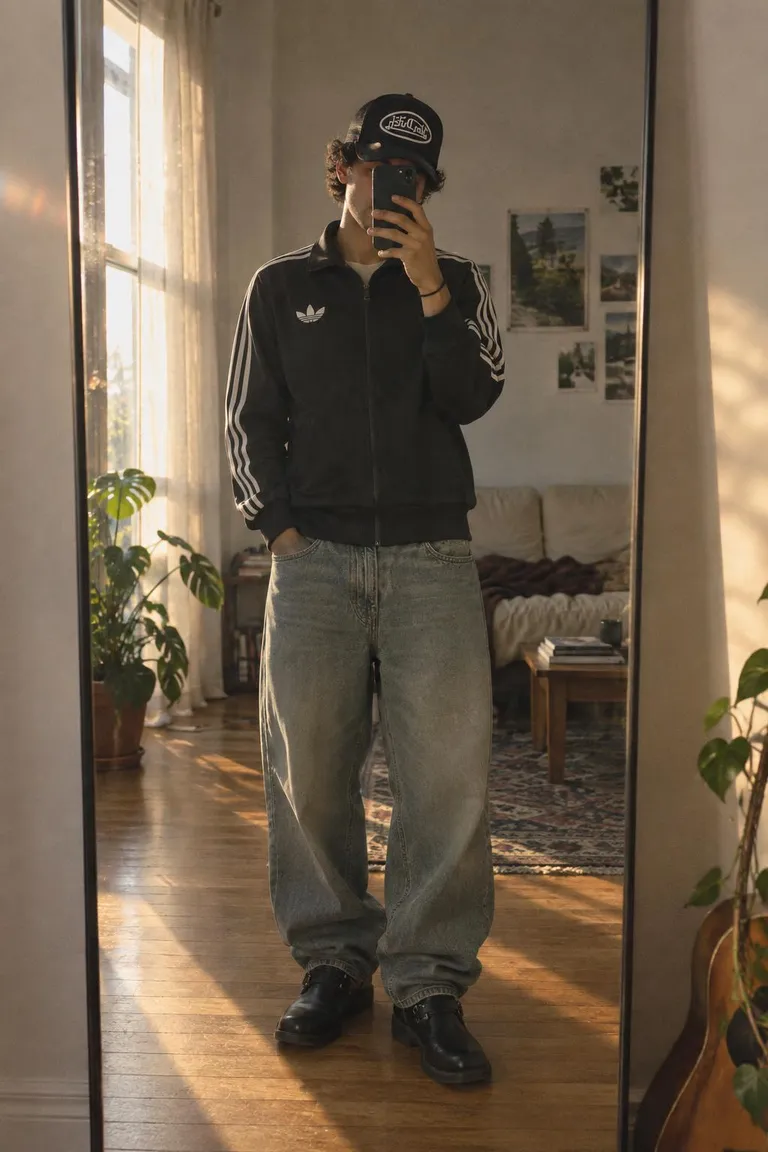
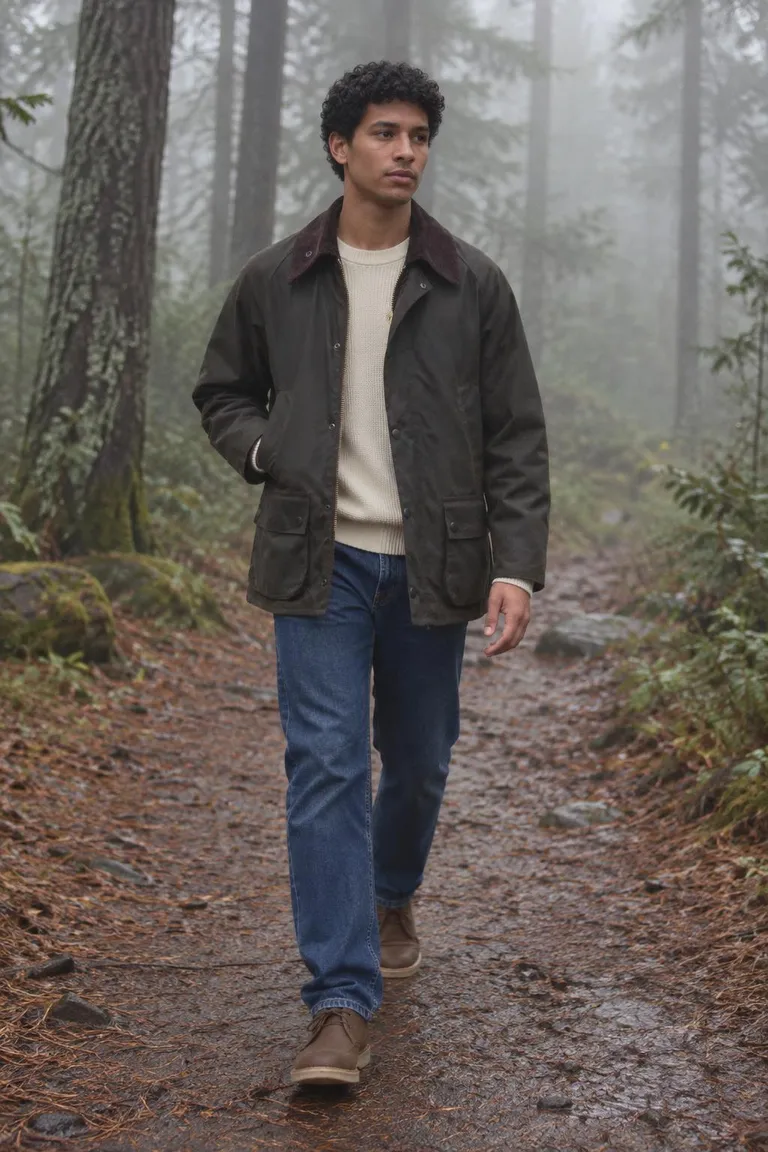
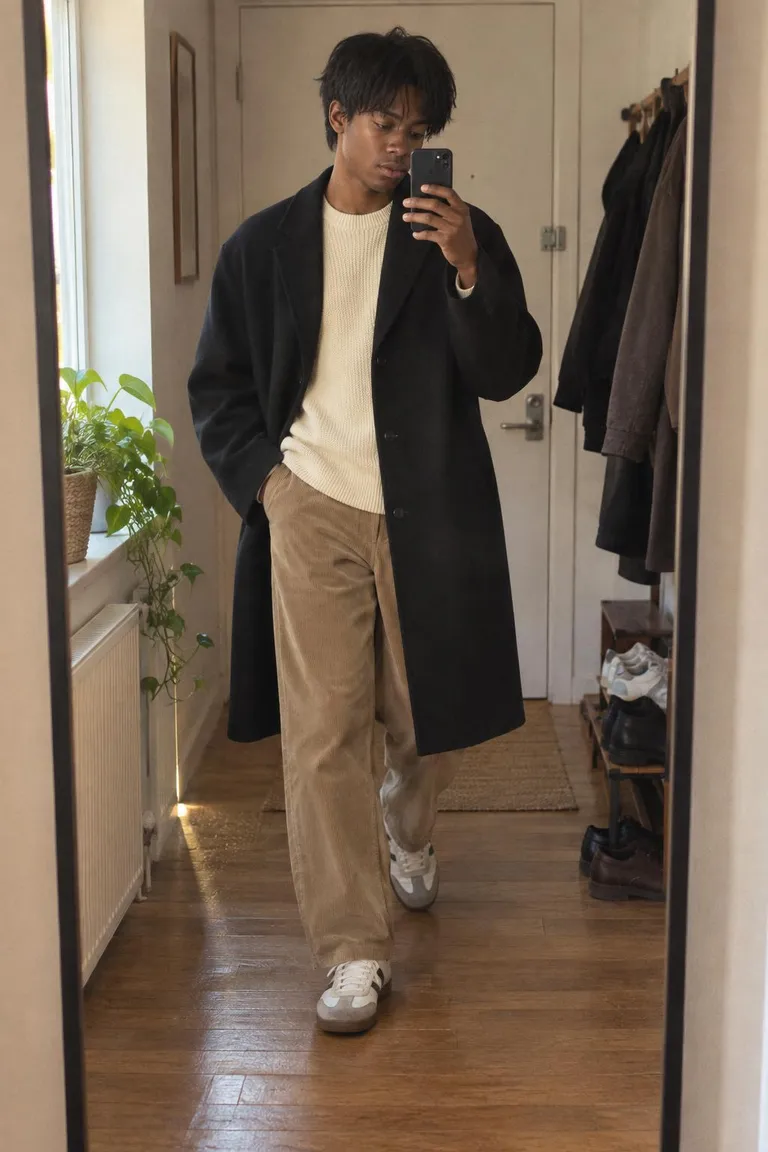
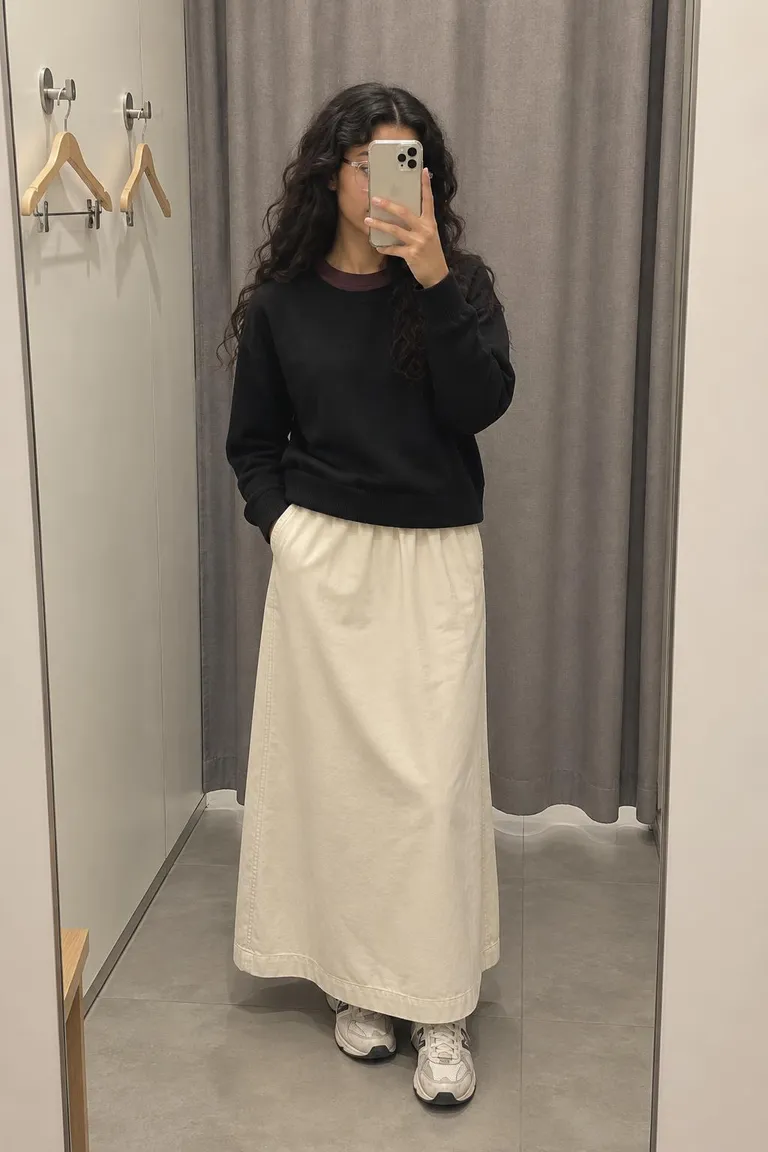
Looks with every piece linked
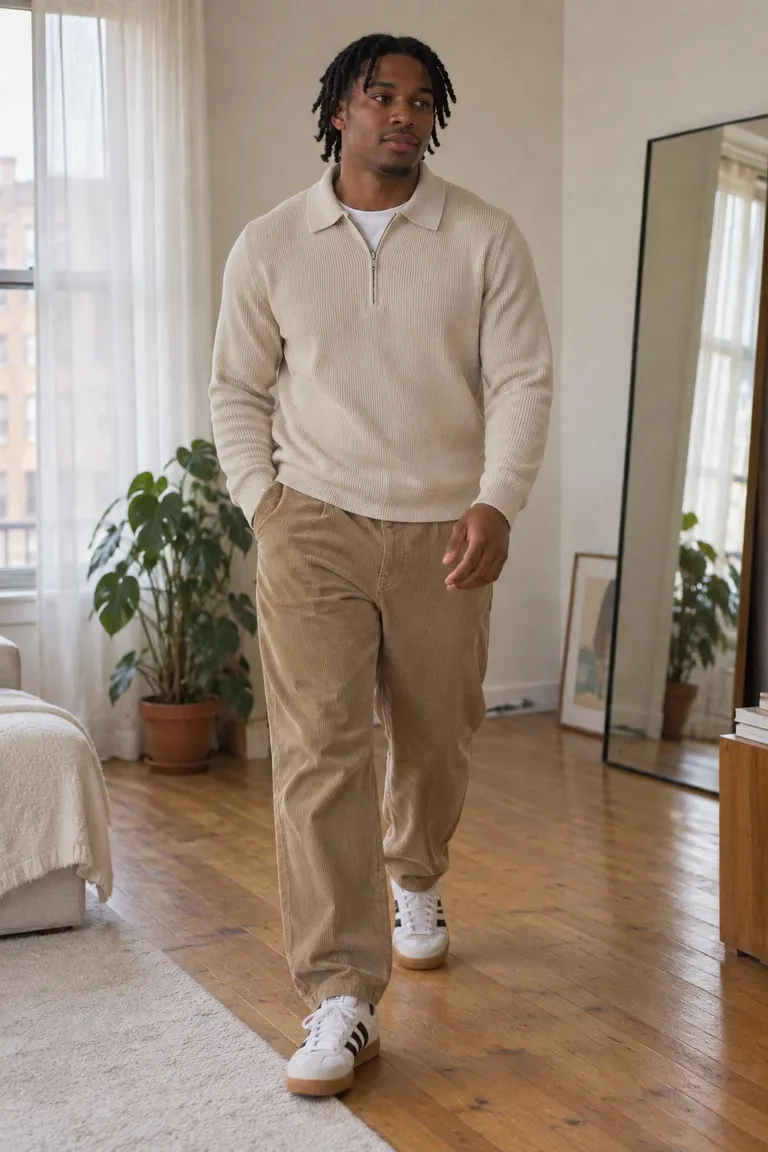
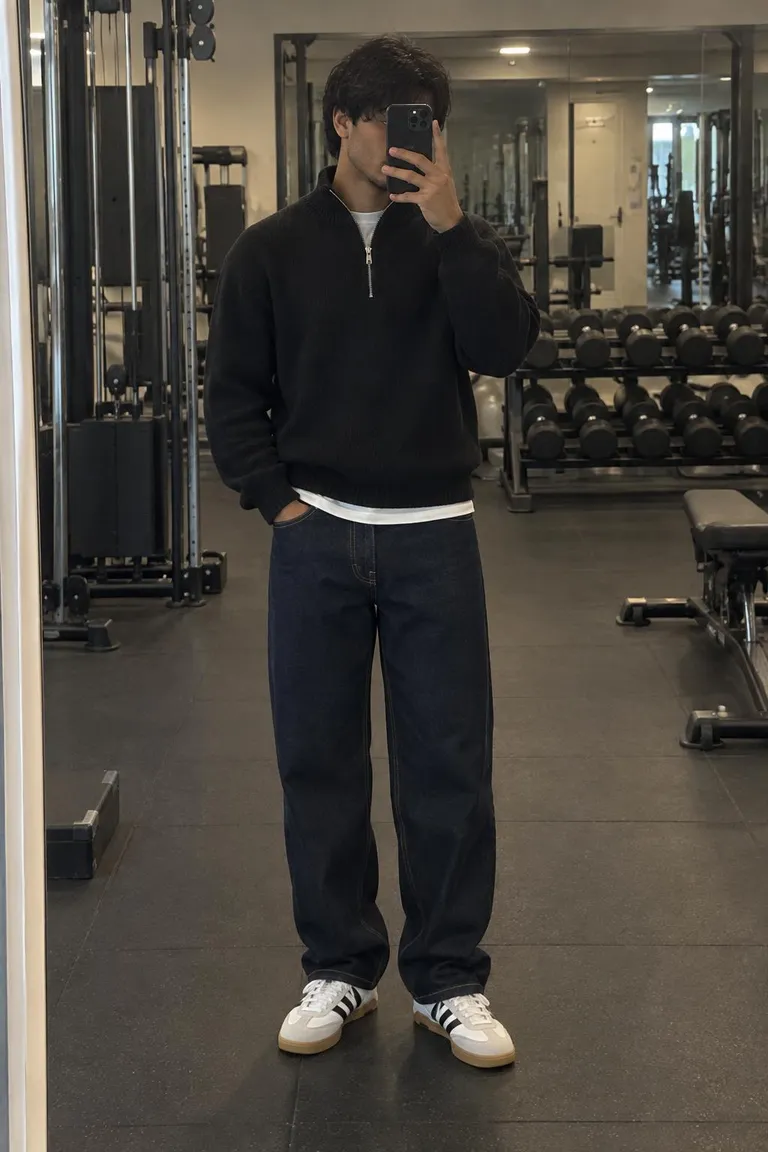
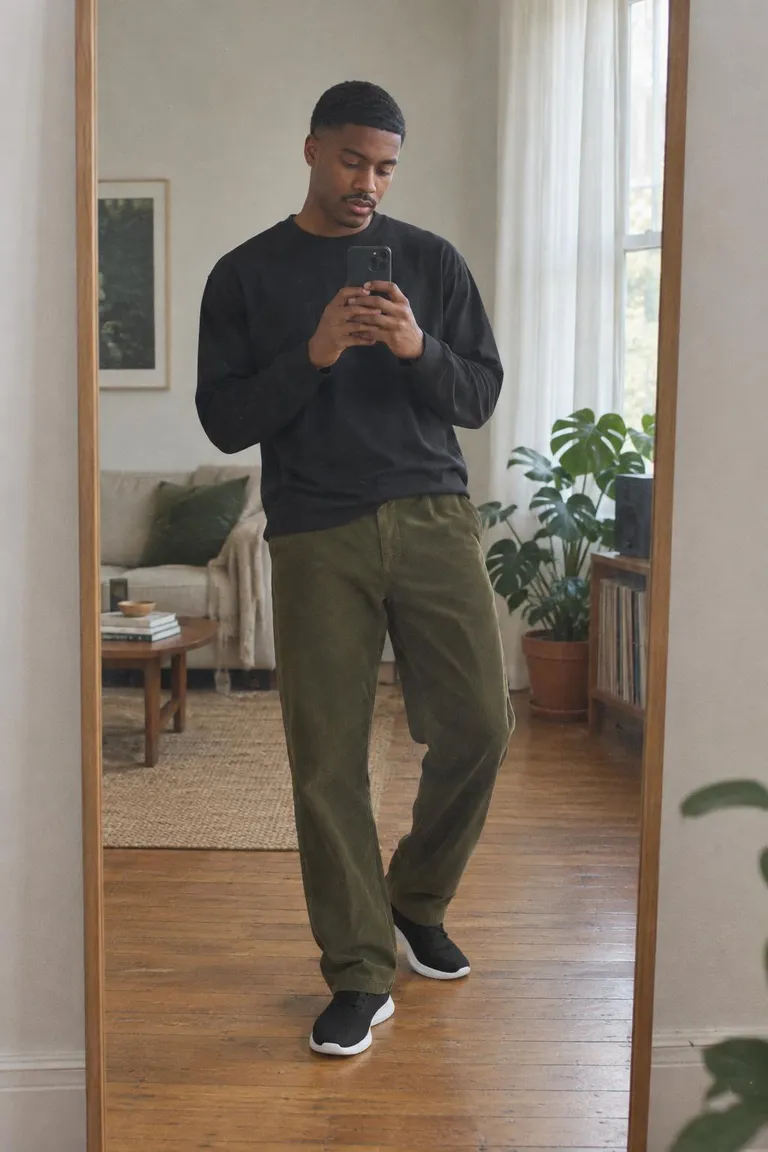
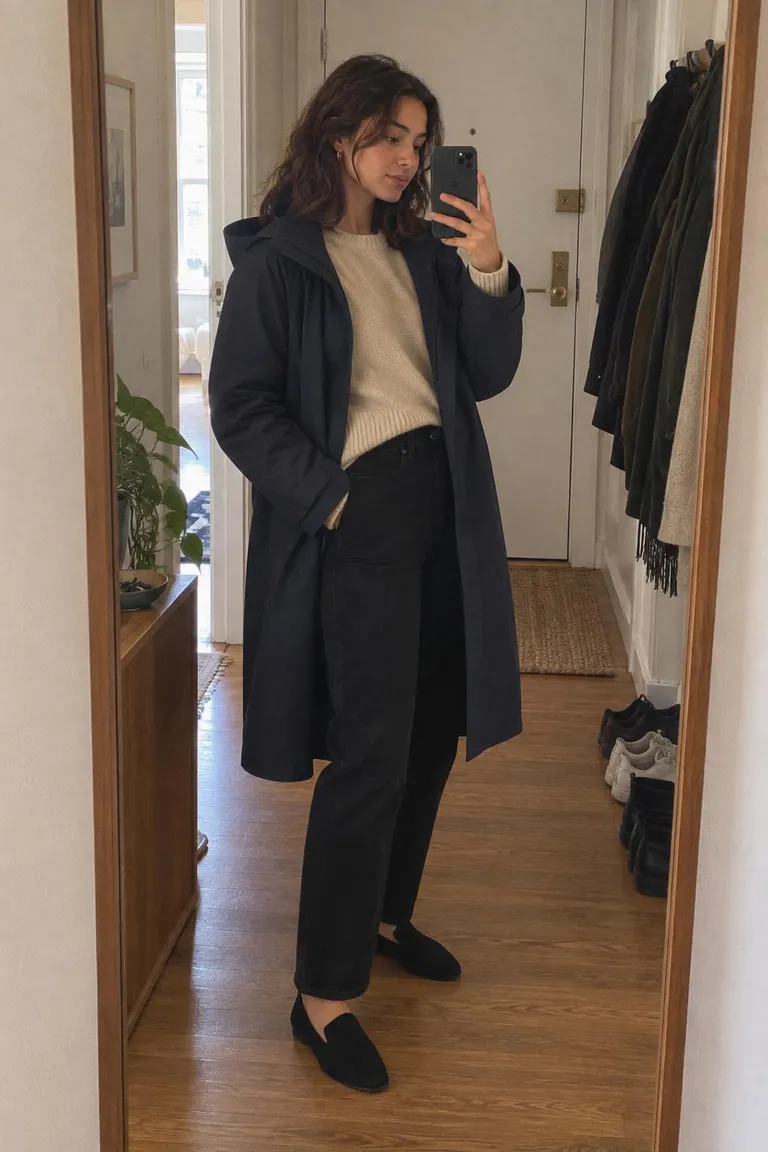
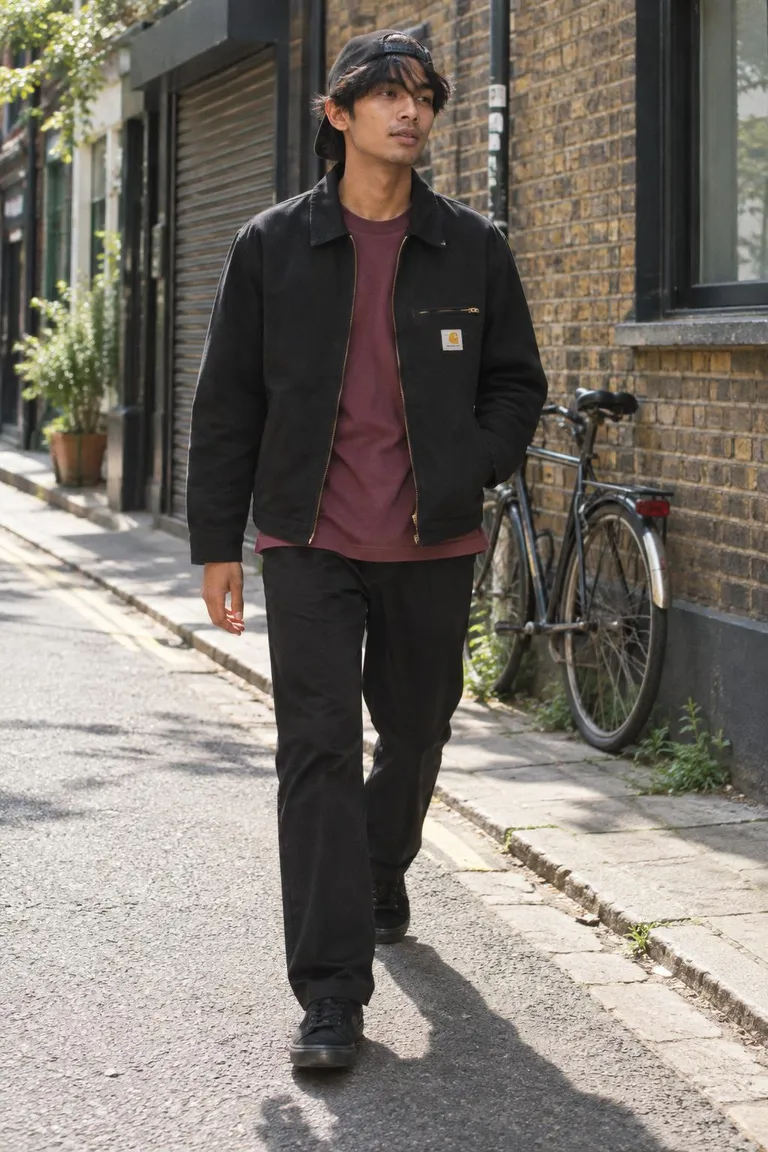
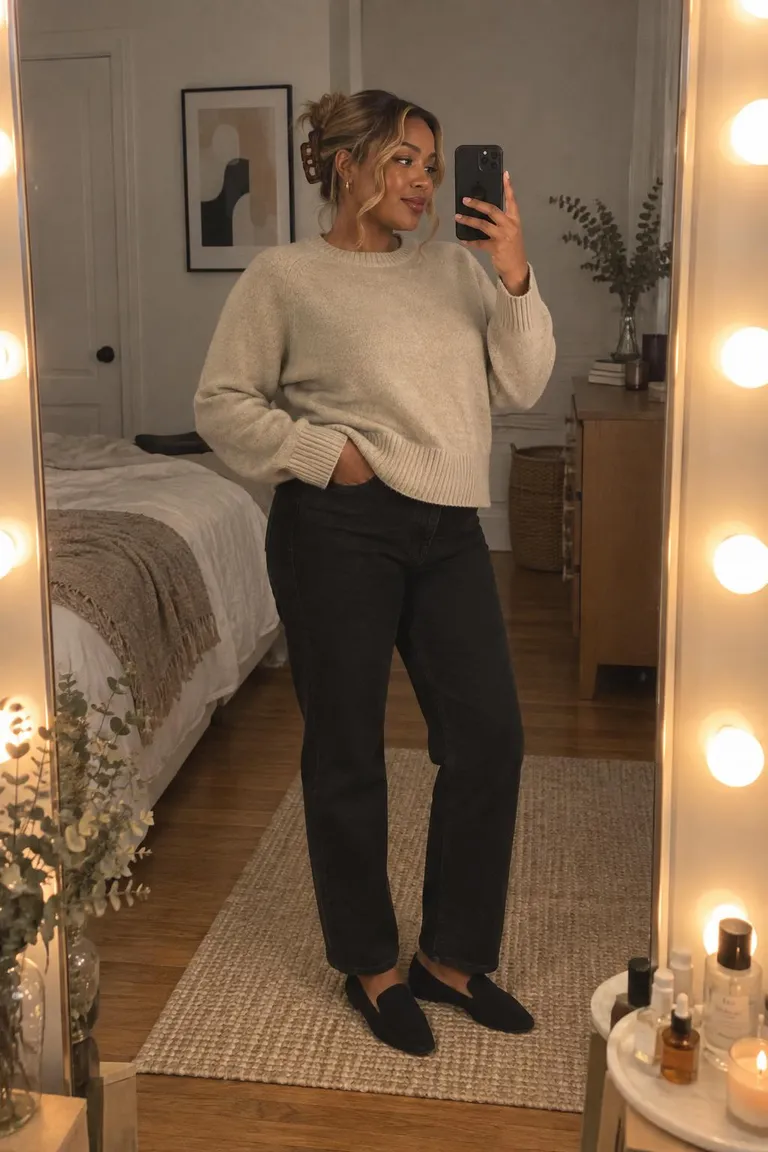
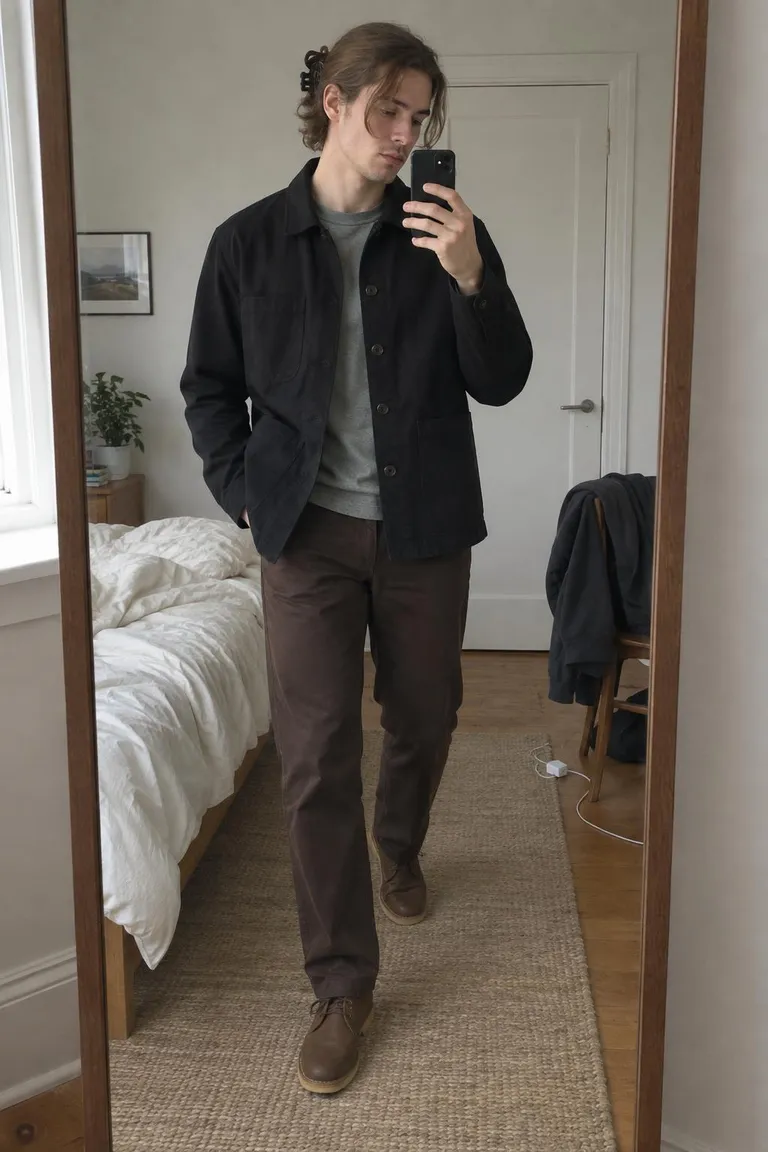
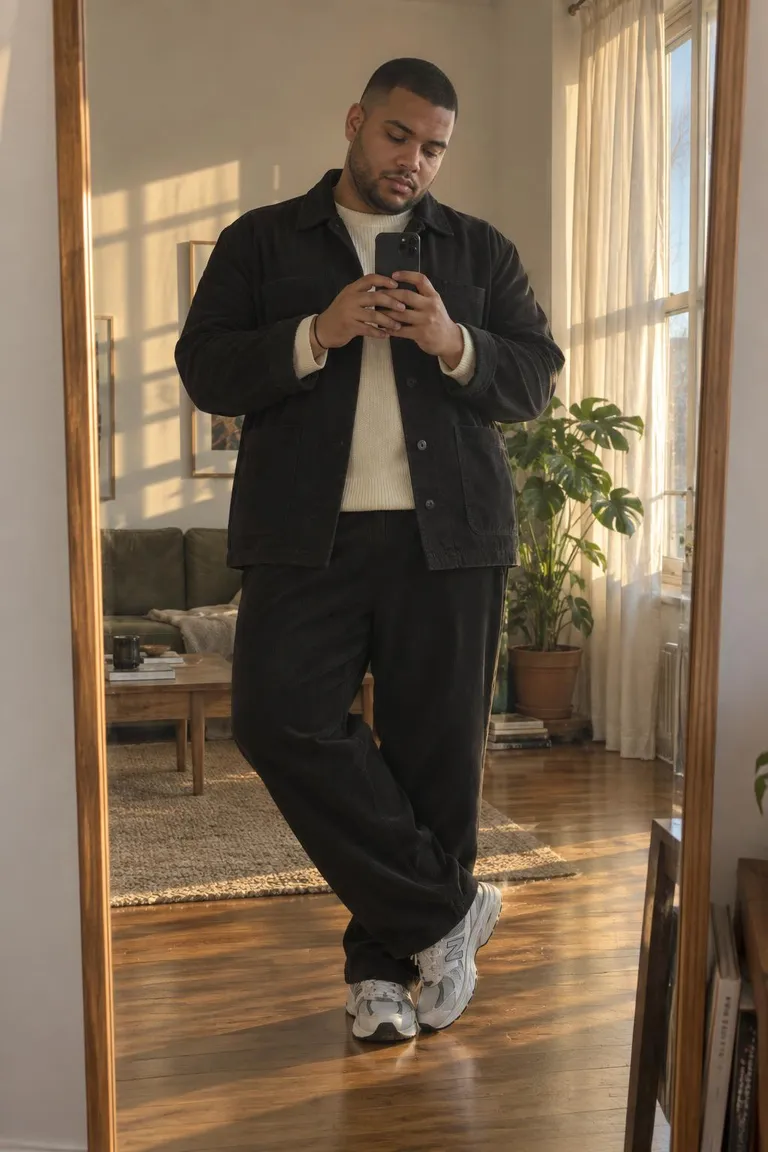
This is what a finished scan turns into. Open one to shop it or remix it.

Questions
- How do I find an outfit from a picture?
- Upload the photo (or take one) on Outfitlink. The finder marks each visible piece, such as the jacket, top, trousers, shoes and bag, and searches shops for each one. You get the closest matches with prices and can swap any piece for an alternative before saving the look.
- Can I paste an Instagram, Pinterest or TikTok link instead?
- Yes. Paste the post link, or share the post to Outfitlink from your phone. The finder reads the public photo and, where the caption names the pieces, uses those names to narrow the search. Private posts cannot be read; a screenshot works in that case.
- Does it find the exact product?
- Often, when the piece is still on sale and the shop shows it clearly. Otherwise it returns the closest matches it can find and labels each one with a likeness score, so you can see how near a match is before you click through.
- Which shops does it search?
- Shops of every size: large retailers, brand stores and small labels. Results are limited to shops that deliver to your country, and prices are shown in your currency.
- What happens to my photo?
- Scan photos are private to your account. They are not shown to other people, and they are deleted 90 days after you last opened the scan, or right away when you delete it. Only scan photos of yourself or photos you have permission to use.
- Is the outfit finder free?
- Yes. Finding, saving and sharing outfits is free. Prices are the shops' own prices; you buy from the shop, not from Outfitlink.
Prefer to start from a product link instead of a photo? Use the outfit maker.