


Virtual closet: log what you own, get outfits from it

Add the pieces you own from any shop link. Build outfits from your closet, turn a few pieces into many looks, and see what is missing before you buy.

Free. Your closet stays private; only what you publish is public.

How the virtual closet works

  1. Step 1

    Add what you own

    Paste a shop link, or tap 'In closet' on any piece in a look you browse. No photographing.

  2. Step 2

    See it by type

    Tops, bottoms, shoes, outerwear: your pieces sorted, with prices and the shop they came from.

  3. Step 3

    Mix and match

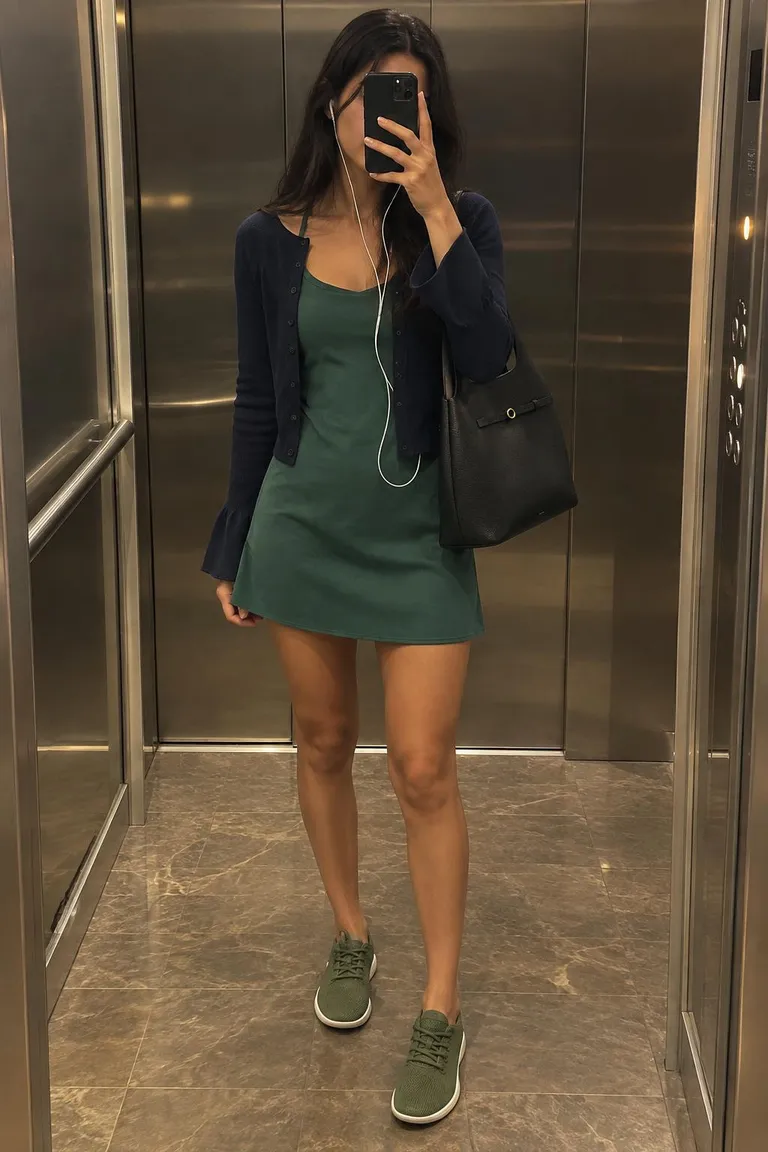
    Pick a few pieces; every outfit they make is laid out side by side, photographed on the same person.

  4. Step 4

    Get ideas

    Looks from what you own, and suggestions for the one piece that unlocks more.

A few pieces, every outfit they make

Mix & Match sets people published. Open one to see each look on the same person.

All sets

Questions

What is a virtual closet?
A digital list of the clothes you own, with photos. On Outfitlink you add a piece by pasting its shop link (or picking it from an outfit), and it arrives with its photo, price and category. From there you can build outfits with it, see what goes with it, and mark it in any look you browse.
How is this different from a wardrobe app?
Most wardrobe apps stop at logging. Here the closet feeds an outfit builder and Mix & Match: pick a few pieces, and every outfit they can make is laid out side by side, photographed on the same person so you can compare.
Do I have to photograph my clothes?
No. Pieces come from product pages, so the photo is the shop's. Add a piece by link, from a look you saved or liked, or by hand if a shop blocks readers.
Can it plan outfits for me?
Yes. 'Ideas with your pieces' suggests looks from what you own, and 'Suggest looks' in Mix & Match proposes new combinations that change at least two pieces each time.
Is my closet public?
No. Your closet is private. Only the outfits and sets you choose to publish are visible to others.